Getting Started
Log in
Log in to the Kontozz system.
Once you have registered, you can log in by clicking on the "Log in" menu item on the Kontozz homepage or by visiting the following link: https://app.kontozz.hu/login.
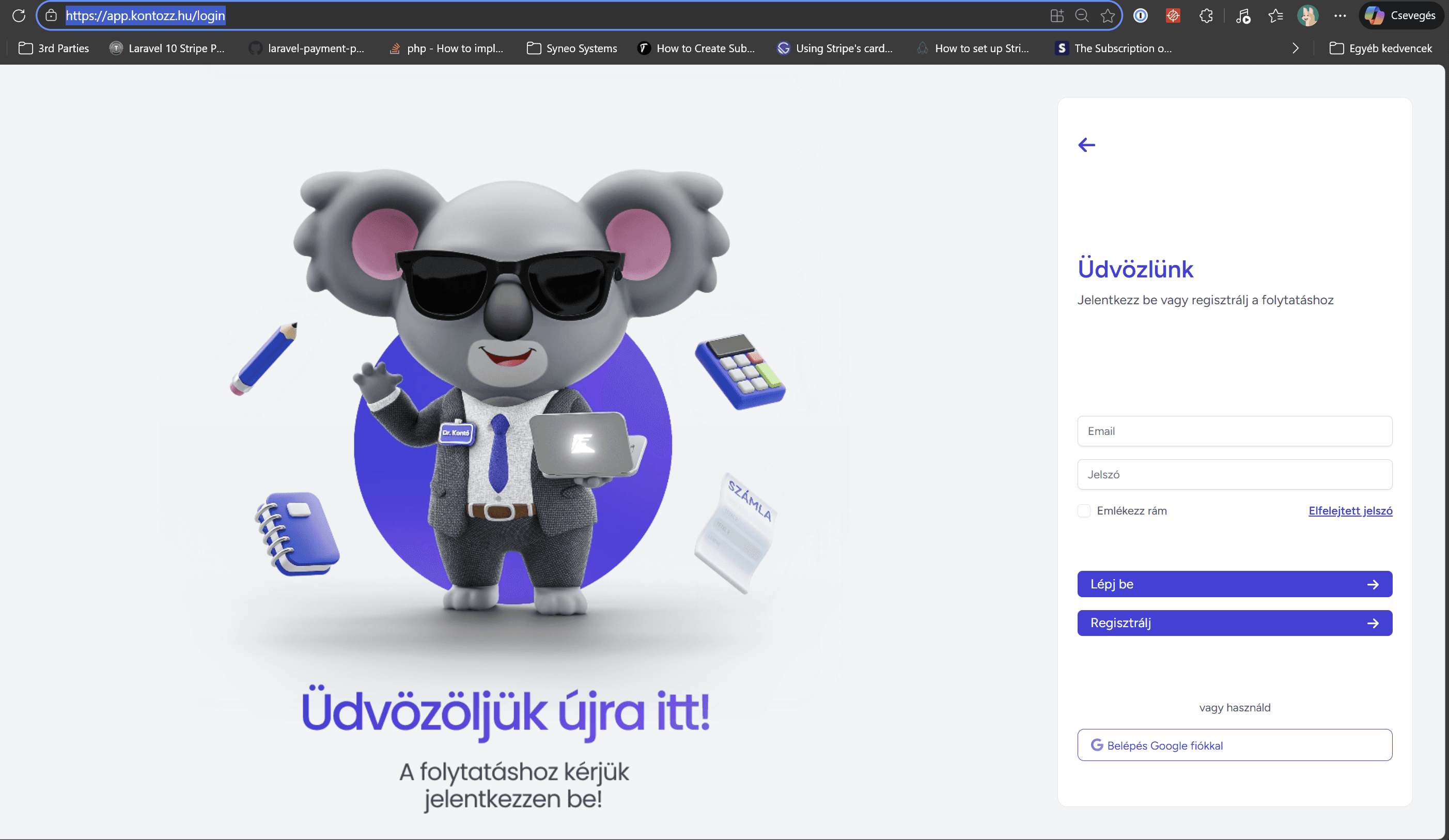
Steps:
Enter your registered email address and password.
Click on the "Log in" button.
After successful authentication, the system automatically navigates to the main control panel
(dashboard), where the functions are available.
Tip: If you have forgotten your password, you can request a new one on the login page by clicking on the "Forgot your password?" link
. The system will send you instructions by email on how to reset your password
.
Tip: By checking the Remember Me box, the system will remember your username and password until the next restart.
Any other questions? Get in touch