Getting Started

Table of Contents

Selection

The first step is to choose the package that best suits our needs.

First, register at https://payment.syneo.hu/register. After registering, you will need to confirm your email address, and then you can log in.

Here, among the available applications, click on the "Application data" button under "Dr.Kontozz" to see the list of available packages.
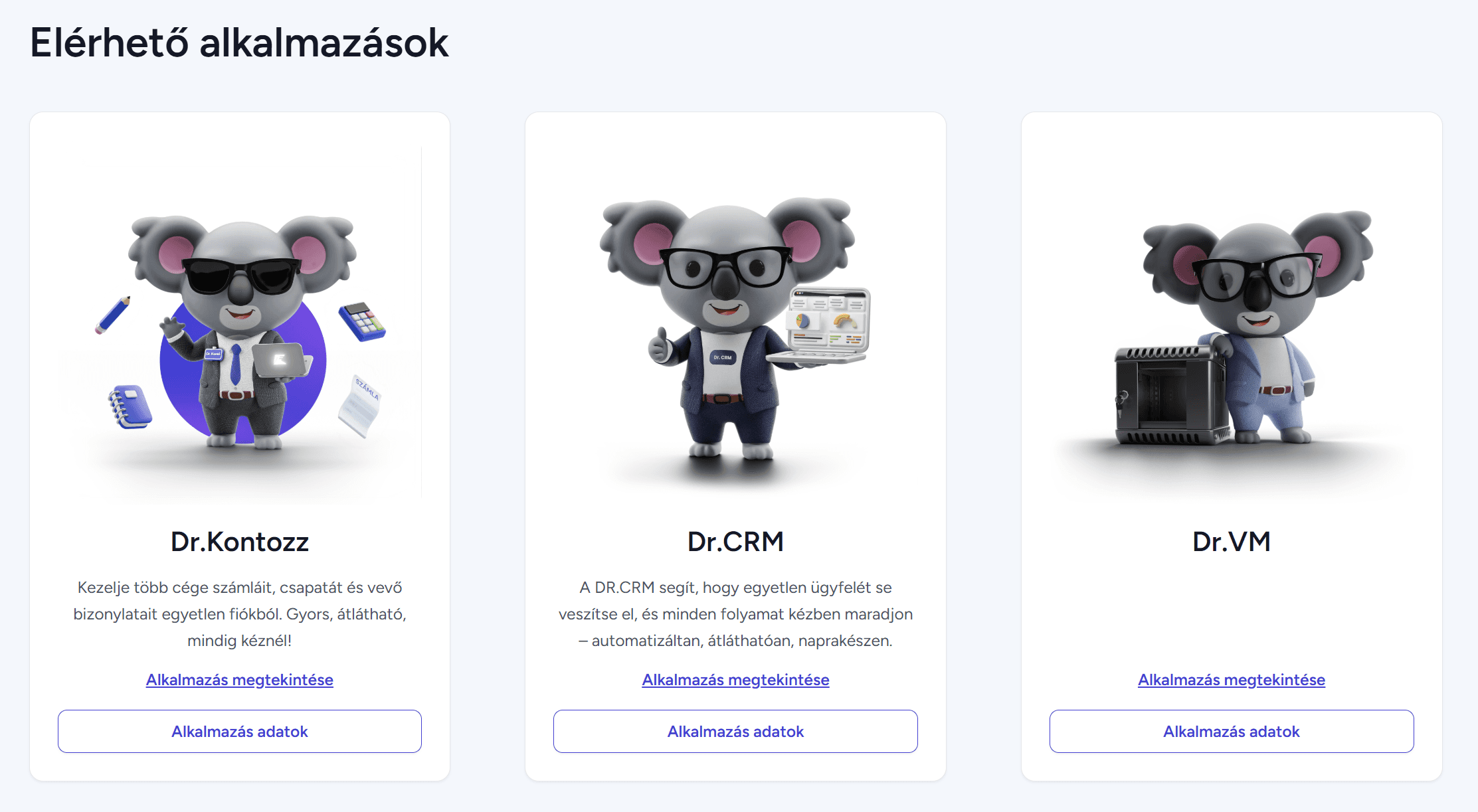
We currently offer two standalone packages and two packages linked to CRM. We have designed the packages so that even with the free subscription included in the standalone packages, you get a full-featured billing package.

The following packages are available in the system:

Sign up for Free

Kontozz Basic

Kontozz Basic + CRM

Kontozz PRO

Free

1,190 HUF/month

2,490 HUF/month

2,990 HUF/month

  • Issuing invoices

  • Multiprofile - Manage 2 company profiles in one account

  • 2 employee users per company

  • Issuing invoices

  • Your own company logo on receipts

  • Partner-level, customized payment reminder

  • Payment reminder

  • Multiprofile - Manage 5 company profiles in one account

  • 5 employee users per company

  • Unlimited API key generation

  • Account generation via API

  • Accountant access

  • Access to an unlimited customer account

  • Issuing invoices

  • Your own company logo on receipts

  • Partner-level, customized payment reminder

  • Payment reminder

  • Multiprofile - Manage 5 company profiles in one account

  • 5 employee users per company

  • Unlimited API key generation

  • Account generation via API

  • Accountant access

  • Access to an unlimited customer account

    +

  • CRM

  • Issuing invoices

  • Your own company logo on receipts

  • Partner-level, customized payment reminder

  • Payment reminder

  • Multiprofile - unlimited company profile management in one account

  • Unlimited employee users per company

  • Unlimited API key generation

  • Account generation via API

  • Accountant access

  • Access to an unlimited customer account

    +

  • CRM


After selecting the appropriate package, the system will create access to Kontozz and send it to the email address used for registration.

The email arrives with the following content:

Hello,

Your account has been successfully created inthe Kontozz system.

Clickon the linkbelow  to set your password :
https://kontozz.hu/password/create?token=xy 

Best regards,
Kontozz

Hello,

Your account has been successfully created inthe Kontozz system.

Clickon the linkbelow  to set your password :
https://kontozz.hu/password/create?token=xy 

Best regards,
Kontozz

Hello,

Your account has been successfully created inthe Kontozz system.

Clickon the linkbelow  to set your password :
https://kontozz.hu/password/create?token=xy 

Best regards,
Kontozz

By clicking on the link in the email, you can set your password for the system, after which the system will automatically log you in.

Any other questions? Get in touch